Skip to content
Minecraft Java 26.3 · NeoForge0.6.0 out nowNext update: builtMod or modpack?

Build the computer that reprograms the world.

A Minecraft overhaul: factories, computers you program, a world with real physics, a body to wake up in, and machines that edit the world they stand in.

FreeOn CurseForgeModpacks welcome

Interactive website demo · learn about the real Terminal below

Terminal
hoof:/ >
HARD HOOF

What you can build

Start with ordinary survival materials. Combine machines into systems you can inspect, understand, and program.

Make a factory you understand

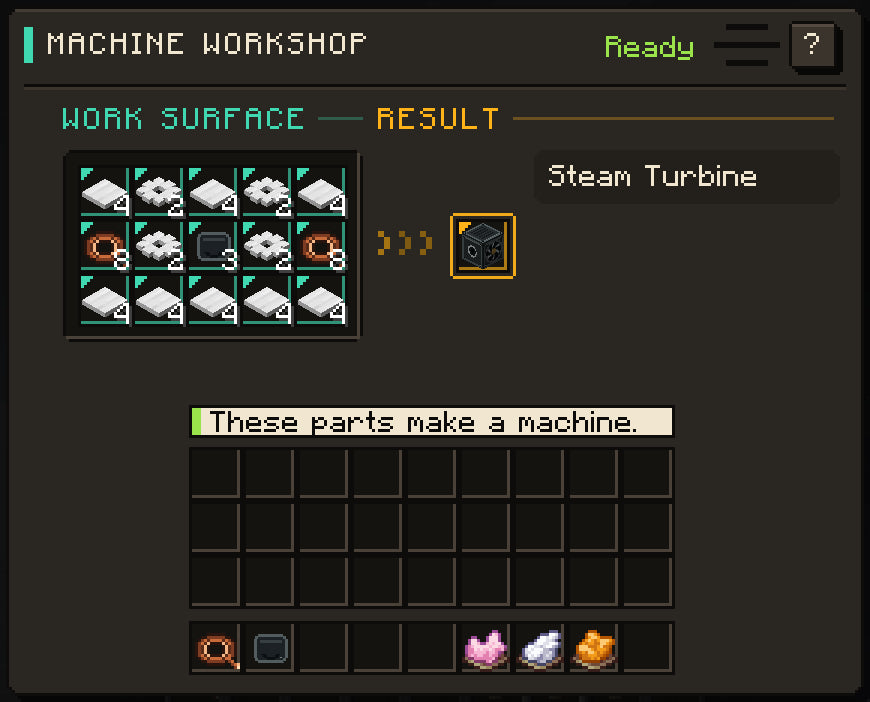
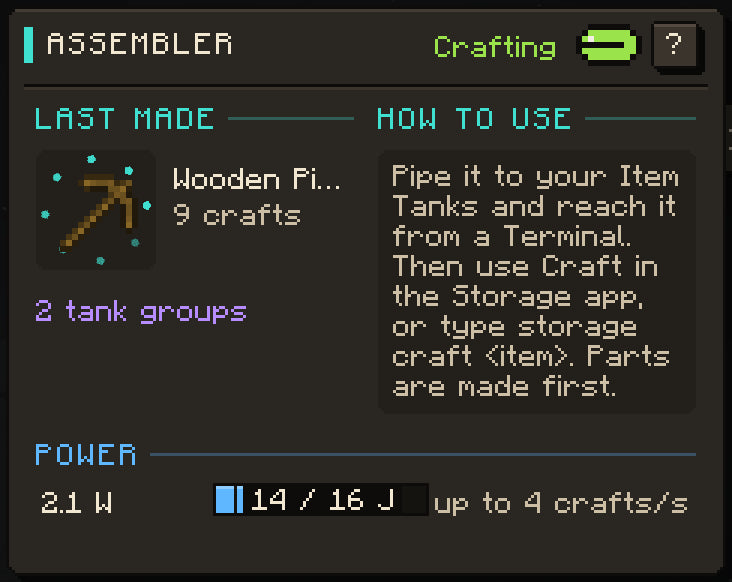
Form plates, wire, and gears with coal. Assemble machines by hand in the Machine Workshop, then connect electric furnaces, item storage, and controllers. Use JEI to look up each crafting or processing route.

Build your first machines

Connect power and electronics

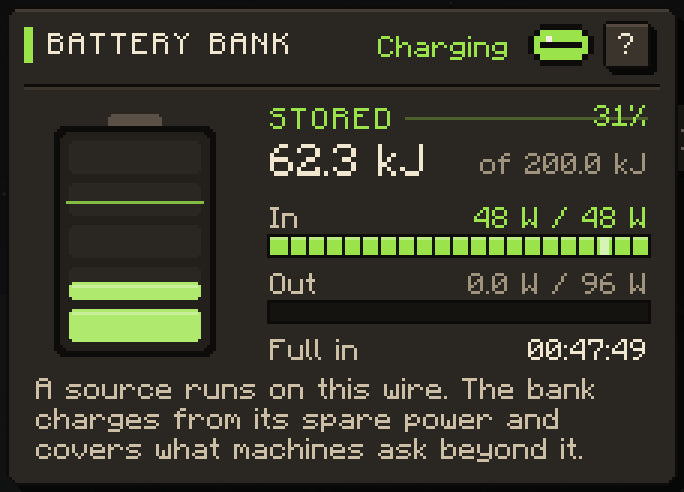
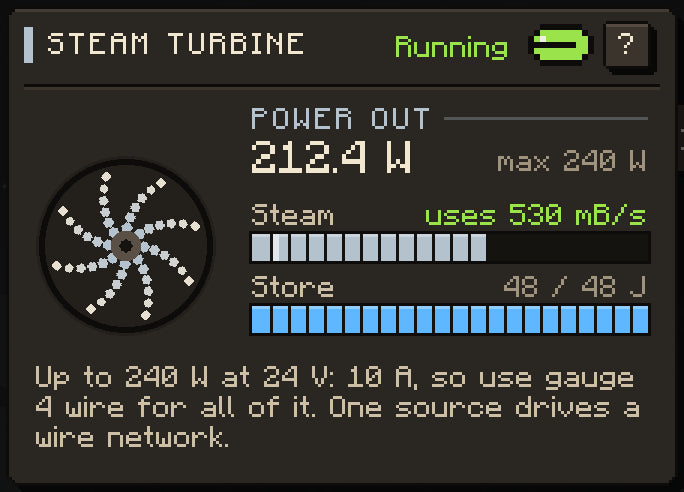
Generate DC electricity, choose a copper wire gauge, and store surplus energy in Battery Banks. Steam keeps running while you are away, and a bucket of water goes a long way.

Understand power and wiring

Program the factory

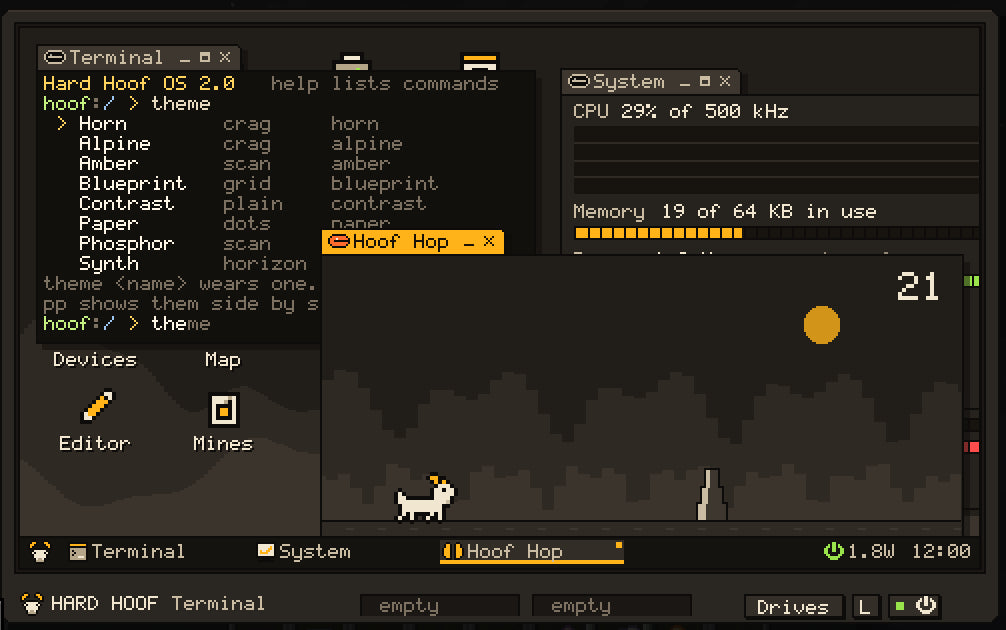
Place a Terminal and run Hard Hoof OS, with a desktop, files, an editor, and apps. Write Volt programs, read the real web with an Internet Dish, and open the same computer from Hard Hoof Studio.

Set up a Terminal

Build machines that change worlds

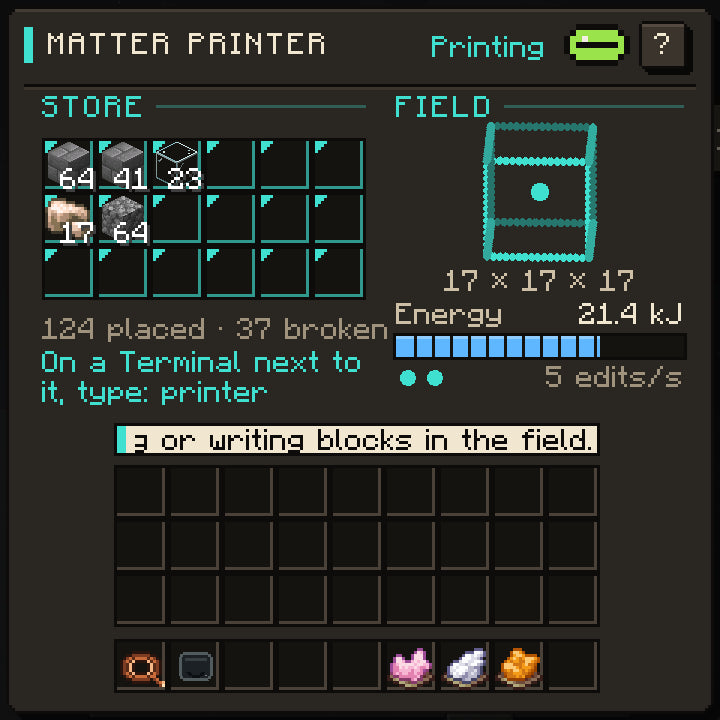
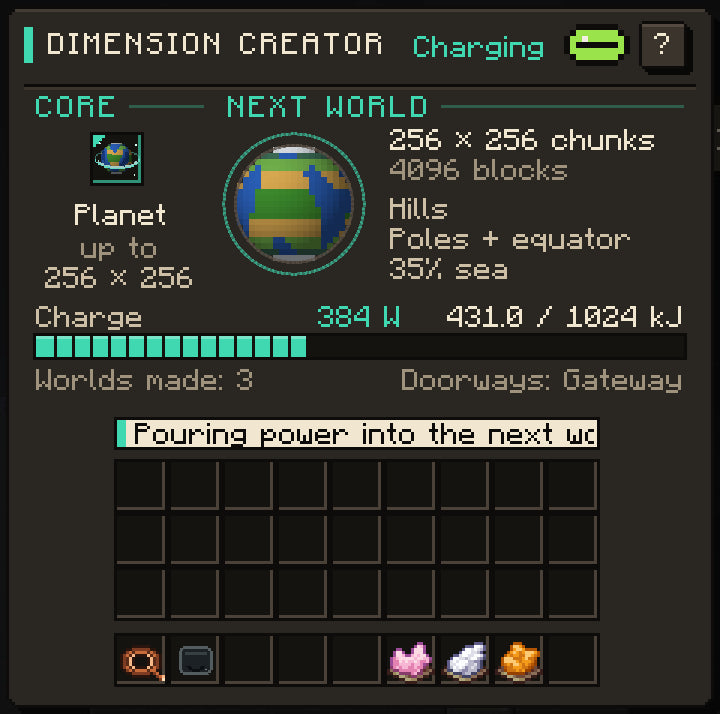
Use a Matter Printer to work with blocks and a Zone Projector to apply local rules. The Dimension Creator makes worlds reached through a Gateway. These devices extend the same factory and computer network.

Meet the reality devices

Live on a world that pushes back

Air, pressure and temperature at every height. Finite water, storm cells and local time. A planet you can fly up from, with a sky full of the others.

See how the world behaves

Become something

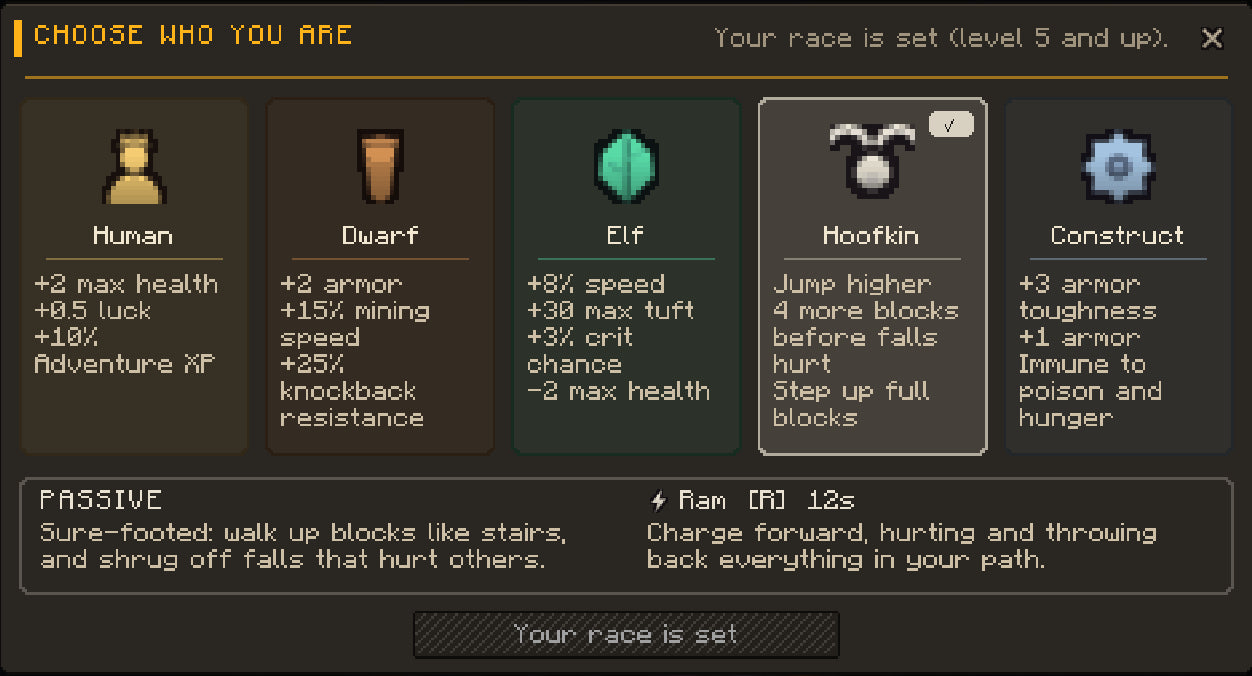
Wake as one of sixteen species, take a trade at level ten, and learn magic by feeling what it costs. Rings, inlays, medicines and a Vein Miner round out the kit.

Meet the species

Choose your own route. Materials have survival sources and crafting or processing alternatives. Research offers ready-made programs and blueprints; it is a shortcut. Rich biomes and dimensions offer shortcuts too.

In development · not in 0.6.0

The next update. Already built.

Hard Hoof 0.6.0 is the public release. This is what the development branch adds on top. Back up your worlds before you update.

3,072blocks tall, in a Tall World
16species to wake as
16schools of magic
40new rings in 16 lines
14hidden resonances to find
18themes in Hard Hoof Studio
The Waking · in development

Wake up as something. Not as a race.

On your first night the game notices how you live and calls you. Pick one here to read what it is, or let it choose.

Hellcat

Deep

Nine lives, and fire is home.

Passive
Nine Lives: a killing blow burns a life instead. One rekindles every 90 s spent warm.
Skill R
Cinder Pounce. Leap where you look and land in fire: 5 damage and 5 s of burning.
Nature
Fireproof, +25 °C heat tolerance. Water and rain douse you: you lose it all and slow down.
Called by
Fire, lava, magma and heat above 30 °C.
At level 10, the Calling: a trade
  • DelverRich Seams: ore drops more, by-products free up. Pit Sense halves mine-air poisons.
  • VanguardFury: quick hits stack damage, then cleave. Parry with a raised shield.
  • RangerQuarry Mark: hits mark a target. Headshots do 50% more.
  • ArcanistBlood Tithe: pay in health when tuft runs out. Schools learn faster.
  • EngineerWorkmanship: crafts may give an input back. Research Lab works faster.
  • PathfinderTrailwise: free sprinting, storms shown on your screen's edge.
Magic · schools and discovery

Spells you work out for yourself.

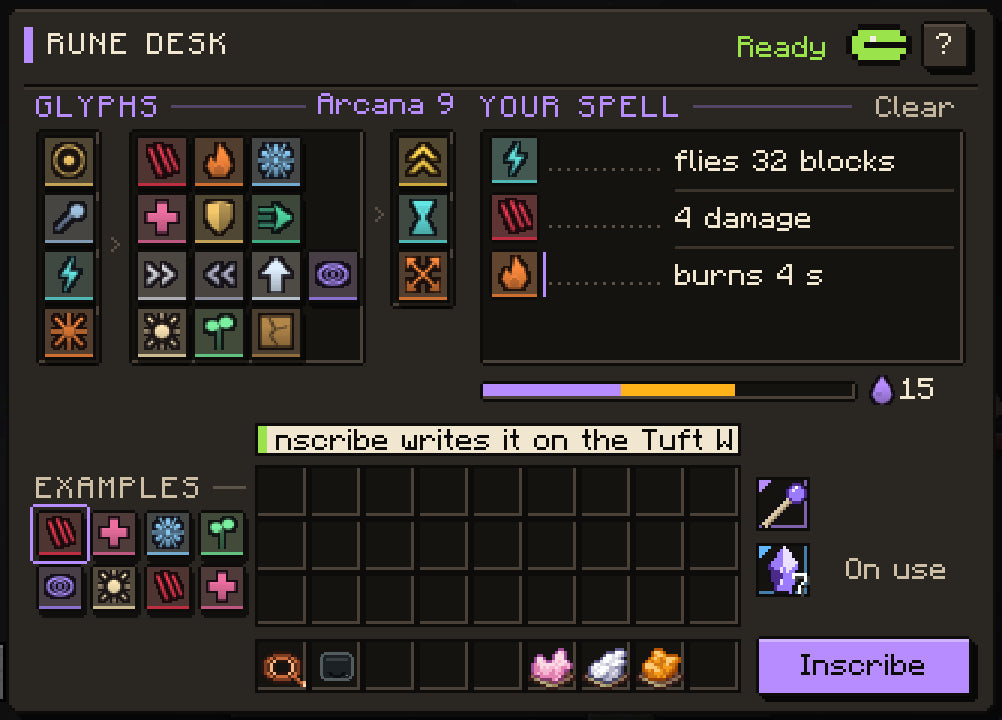
You rise in a school by using it. A spell leans on six axes, and what you cannot yet hold kicks back. What you feel, you learn.

Elements
Fabric
Life and Death
Minds and the Outside
Elements

Earth

Weight is held: dear to raise, free to drop.

  • Pry
  • Settle
  • Sense
  • Heave

Raising ground costs 2.6 tuft a stone block-metre; dropping it is free.

Every effect glyph leans on six axes

Pick a lean. Opposites in one spell cancel.

Tall World · terrain preview

Eight times taller. Over a kilometre deep.

The Tall World runs from y −1536 to 1535. This is a real slice of one. Point anywhere.

Real terrain: 6.1 km of a default Tall World (seed 4), from the game’s own generator. The plumb reads it with the game’s physics: the same numbers the Plumb HUD will show in game.

A planet that pushes back.

Water, weather and the sky behave like physics, so a build has to answer to them.

Water

Finite and exact.

Every basin holds a counted volume of water. Rain fills it, dry weather evaporates it, rivers run on groundwater, and a Pump takes what is there.

How water works
Weather

Storms with a place.

Storm cells ride the planet’s wind belts and darken only their own ground. The sun keeps local time, so noon moves round the world.

Weather and time
Space

Up is a direction.

In creative flight, climb. The ground bends into a ball, the sky turns black, and the other planets of your system grow from points into globes you can land on. Survival ships are planned.

Space and planets

From hands to reality.

A useful way to think about the systems. Choose the projects you want to build.

Machine Workshop
Machine WorkshopOpen
Battery Bank
Battery BankOpen
Hard Hoof OS
Hard Hoof OSOpen
Matter Printer
Matter PrinterOpen

Your first working setup

An approachable starting route, with a guide for every step.

  1. Form your parts

    Use the Coal-Powered Metal Former to turn ingots into plates, wire, and gears. It burns fuel directly.

  2. Assemble a machine

    Build a Machine Workshop. Its manual 5 × 3 crafting surface makes larger machines without electricity.

  3. Power your first machine

    Connect a fueled Coal Generator to a machine’s power terminal with copper wire. Check the power readout before expanding.

  4. Connect a computer

    Power the Terminal from the rear, open the desktop from the front, and use the data bus to discover your machines.

Follow the getting started guide

Choose how to play

Minecraft Java 26.3 · NeoForge · Java 25. Check the installation guide for the matching loader and release.

Hard Hoof — the mod

One mod jar brings the Hard Hoof systems together. Add it to a compatible NeoForge instance or include it in your own modpack. It includes shared materials and the Field Guide, machines and computers, portals and worlds, adventure, magic, and the environment.

Get the Hard Hoof mod

HOOF IT! — the companion pack

The pack combines Hard Hoof with helper mods: JEI for recipe lookup, Jade for block and machine information, and inventory and performance improvements. Choose this route for the prepared combination.

Installation and pack details

Read the release notes and back up your worlds before updating. The next update is built but not released; its guides are marked. Roadmap

Start with coal.
End with code.

↑↓ move↵ openesc close